공통적으로 자주 사용되는 다음과 같은 템플릿(part.html)이 있다고 하자. pass_value 라는 변수는 지정되지 않으면 기본값인 'This is part.html' 로 나타나도록 하였다.
<!-- part.html -->
<h1>{{ pass_value|default:"This is part.html" }}</h1>
이 템플릿을 다른 템플릿(with_var.html) 안에 내장 템플릿 태그(built-in template tag) include를 사용하여 다음과 같이 삽입할 수 있다.
<!-- with_var.html -->
{% extends 'base.html' %}

{% block content %}
    <h1>This is with_var.html</h1>
    {% include 'part.html' %}
{% endblock %}
이를 렌더링 해보면,
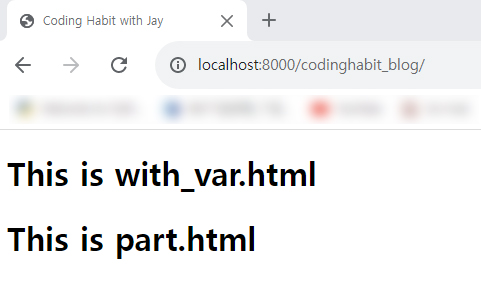
삽입한 'part.html' 의 내용이 포함되게 된다.
그리고 다음과 같이 with를 사용하여 pass_value 로 context를 전달할 수도 있다.
<!-- with_var.html -->
{% extends 'base.html' %}

{% block content %}
    <h1>This is with_var.html</h1>
    {% include 'part.html' with pass_value='This is pass_value' %}
{% endblock %}
그리고 이를 또 렌더링 하면,
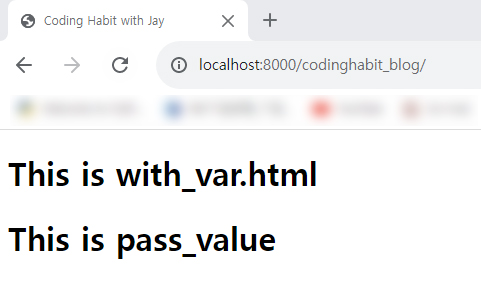
기본값 'This is part.html' 이 아닌 'This is pass_value' 가 나타난다.
특이한 점은 'with_bar.html' 을 렌더링한 뷰함수에서 전달한 context를 'part.html' 에서도 쓸 수 있다는 것이다.
뷰함수에서 다음과 같이 'with_var.html' 로 context request_method를 전달하고,
# views.py

def codinghabit_blog(request):
    request_method = request.method
    return render(request, 'codinghabit_blog/with_var.html', {'request_method': request_method})
'part.html' 에 이 context를 아래와 같이 넣은 뒤,
<!-- part.html -->
<h1>{{ pass_value|default:"This is part.html" }}</h1>
<h1>{{ request_method }}</h1>
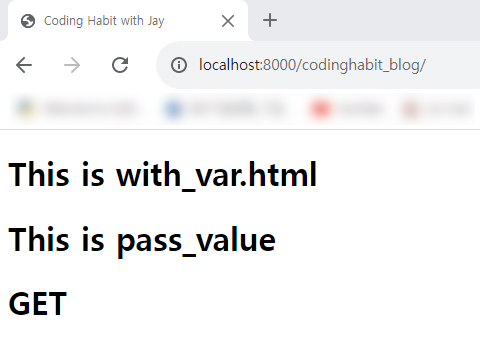
렌더링 해보면, 'This is pass_value' 에 더하여 전달된 context request_method 의 값인 'GET' 이 함께 표시된다.
'장고' 카테고리의 다른 글
| request.META의 HTTP_REFERER 사용해 보기 (0) | 2023.05.01 |
|---|---|
| 장고 redirect()의 인자로 모델 객체를 사용하여 경로 지정하기 (0) | 2023.03.18 |
| 장고 수정권한 검증용 데코레이터(decorator) 만들어 사용하기 (0) | 2023.03.16 |

